Loading…

A design system is often sold as a must-have for any growing product. But the truth is, not every company needs one. Building and maintaining a design system takes time, money, and dedicated people. For many teams, especially early-stage ones, the cost outweighs the benefit.
This post helps you decide whether your company actually needs a design system or whether you are better off without one for now.
A design system is a product in itself. It needs a roadmap, a backlog, and ongoing maintenance. If your team is small and shipping fast, that overhead can slow you down.
Common signs a design system is too much too soon:
In these cases, a lightweight UI kit or a shared Figma file is usually enough.
Before you start a design system, look at what you already use. Many teams solve consistency with simpler tools:
If these tools keep your product consistent and your team productive, you do not need a custom design system. You can adopt one later when the pain of inconsistency becomes real and measurable.
Design systems look simple from the outside. Inside, they require:
For a small team, these costs can pull engineers away from features that customers actually want. A design system should solve a business problem, not create a new one.
Consistency does not require a formal design system. You can achieve it with:
These lightweight practices cost almost nothing and can scale as your company grows. If they stop working, that is the right time to invest in a full design system.
You can skip a design system if:
For these teams, speed matters more than perfect consistency.
A design system makes sense when:
If you answer yes to several of these, a design system is worth considering.
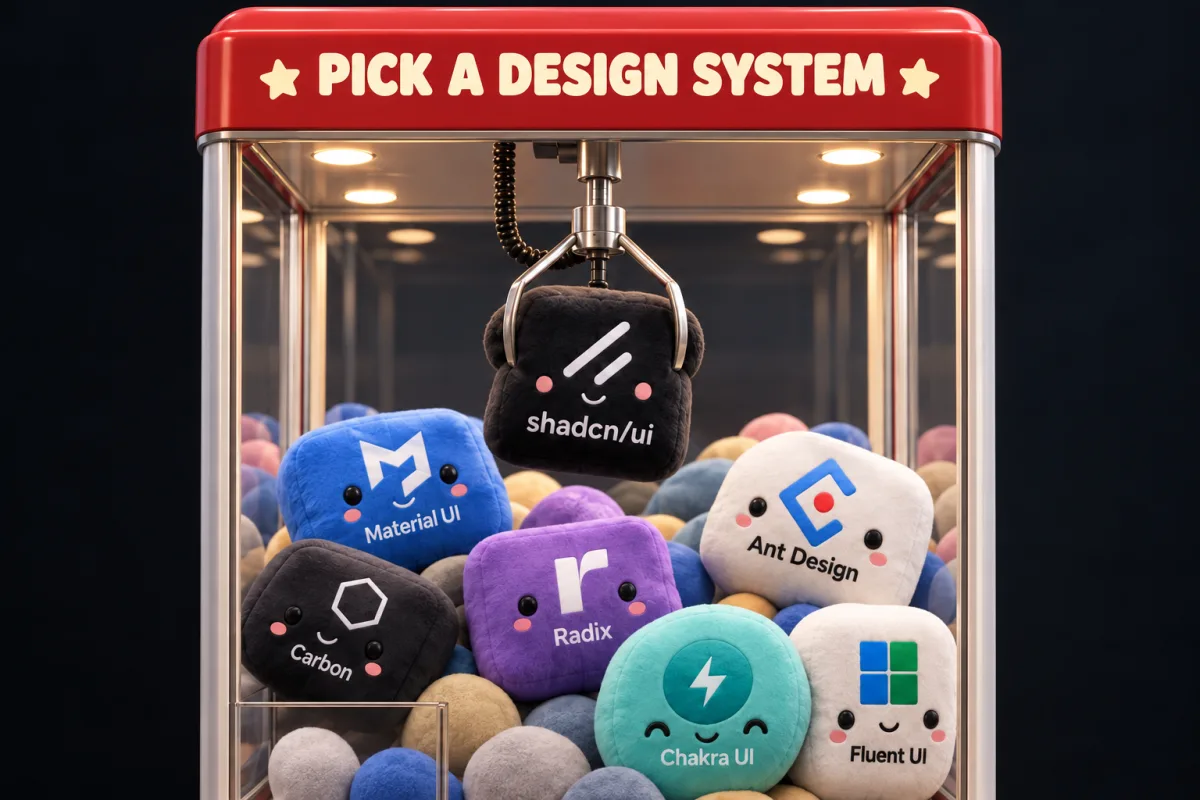
If you do decide you need more structure, you can adopt an existing design system rather than building one from scratch. That saves a lot of time and money:
Not necessarily. Early-stage brands often evolve quickly. A loose style guide and disciplined code reviews can keep things consistent enough until you are ready for a system.
Yes. Libraries like Material UI or Tailwind UI give you consistency without the overhead of building everything from scratch. You can customize them as your brand matures.
When you spend more time debating UI patterns than building features, or when new team members cannot match your existing look and feel, it is time to consider a system.
For many small teams, yes. A well-organized Figma file with styles and basic components can carry you far. Add code components only when the design-to-development handoff becomes painful.
Not automatically. Technical debt comes from messy, undocumented code, not from the absence of a formal system. Clean components and good conventions can prevent debt without a full design system.
Keep reading

36.9% of PM teams now use AI for limited workflows and 62% save 4+ hours weekly. Tools, prompts, and workflows that actually 10x productivity.
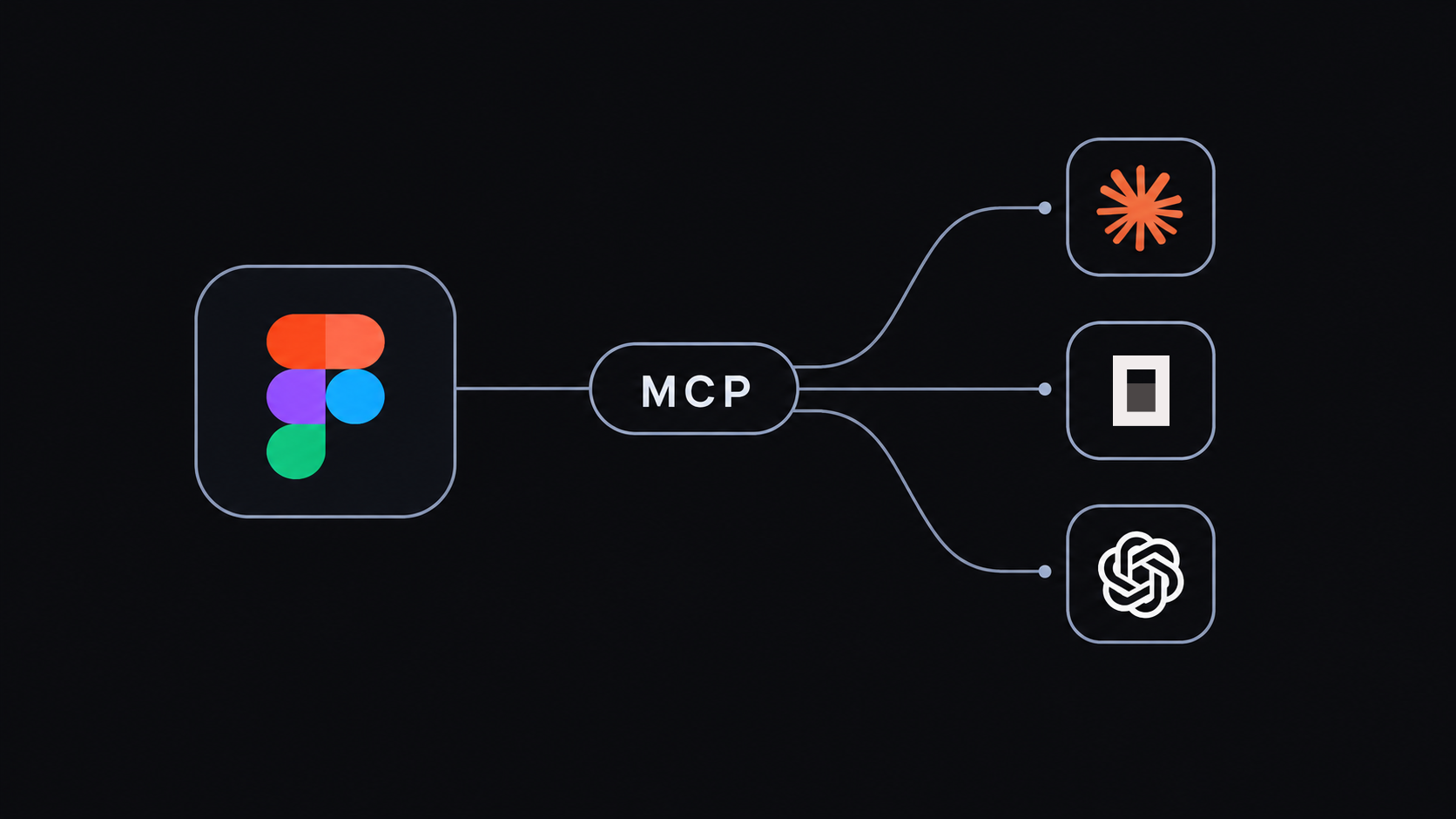
A human guide to the Figma MCP server in 2026. What each command does, what gets triggered inside Figma, localfig, prompt examples, and how to connect it with Claude, ChatGPT, Cursor, and other AI harnesses.
Make your own personal website for free with AI: static HTML or Next.js, copy-ready prompts, design references, 2026 prices and a step-by-step launch flow.